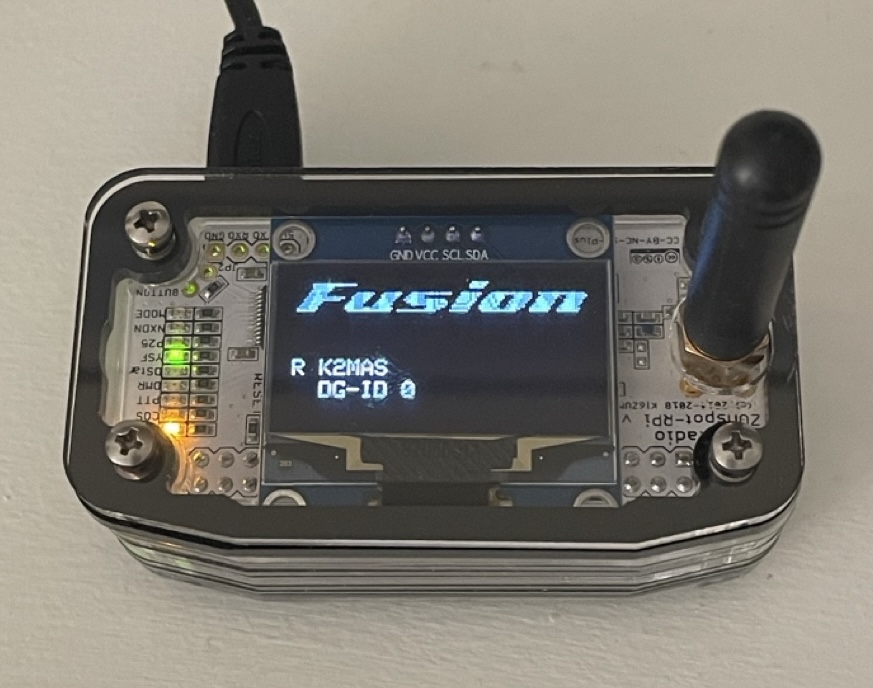
This is the first part of probably a three-part series of articles that walk through the process of setting up the ZUMspot Mini 1.3 OLED hotspot for connecting to YSF/FCS reflectors.
I’m not much of a conversationalist. That’s what I always tell myself and most people when I engage in small talk. I mean, I’m not. It’s not a lie. I’ve never been very good at having casual, impromptu conversations, especially not with strangers. As such, I never had an interest in getting onto local repeaters or checking into nets, although I did have a bit of a spell that I went through when I was checking in somewhat regularly to the Northern Virginia Traffic Net, though that only lasted maybe a couple of weeks before I got bored of it and stopped.
My Yaesu FT-70D is a digital-capable handheld transceiver that works with Yaesu’s C4FM digital mode, and much like the HF digital modes like FT8, the mobile digital modes have piqued my interest a bit. W4ISB has been trying to talk me into buying a hotspot for use here at the house for a while and given the price of the one I was looking at getting (SharkRF’s OpenSpot 4 Pro), I was reluctant to get one. That is until a fellow Vienna Wireless Society member posted a Mini 1.3 OLED ZUMspot hotspot by ZUM Radio for sale at a deep discount over MSRP. It’s an older piece of kit, but still a very capable device for getting set up with Pi-Star, WSPD, or other flavors of digital mode hotspot software.
The previous owner had loaded WSPD onto the ZUMspot, but since I had no idea what I was doing, I decided to dive in at the deep end and deploy the hotspot from step one by flashing an image of Pi-Star onto the microSD card and figuring out the setup as I went. That experience turned out OK. It took me several hours spread across two days to get the ZUMspot set up and fully functional and able to be linked to a Yaesu System Fusion room. That was another thing I had no idea about, which room do I link to? There are literally hundreds of rooms it seems and querying the interwebs for which rooms are the most popular barely provide anything that can be acceptable as an answer to the question. Maybe I was asking the wrong question. I eventually landed on the US-America Link room, YSF 32592.
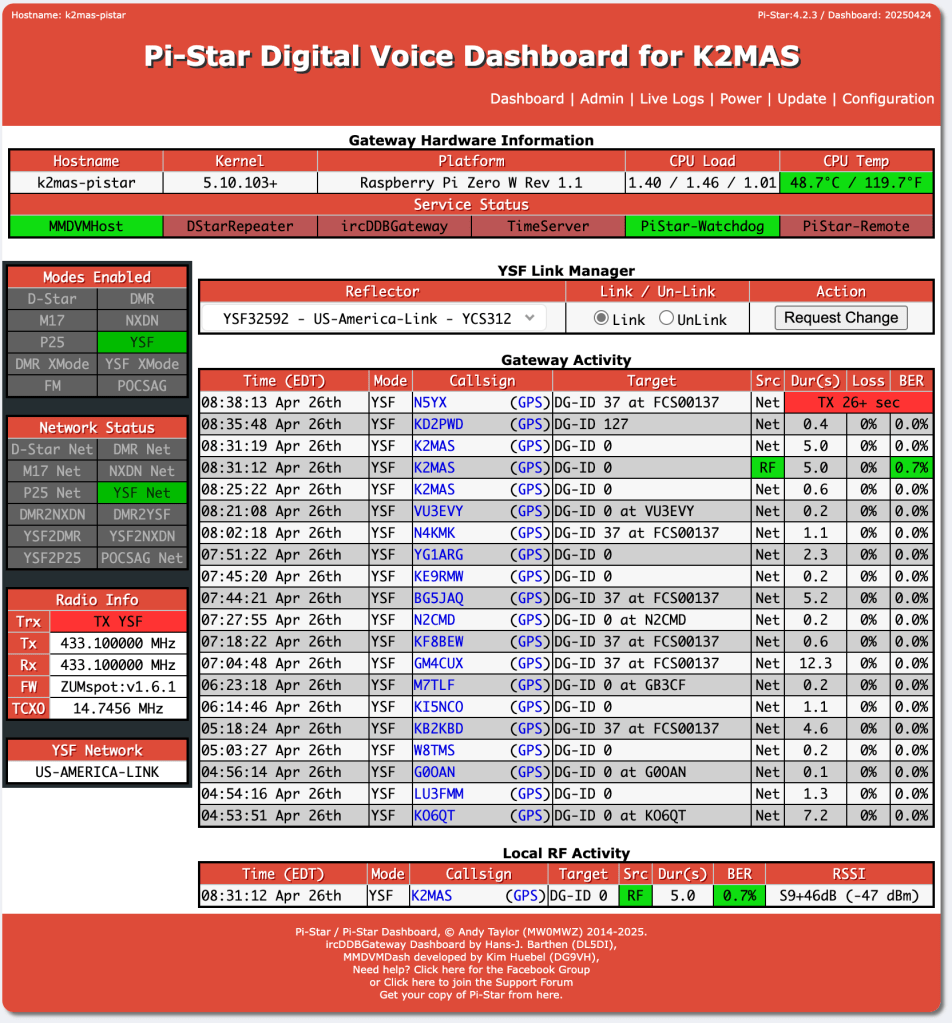
I’ve made several contacts while using the hotspot, which is really me trying to get out of my comfort zone and become a bit more social on the air. It’s still uncomfortable, haha, but I’m working on it. One thing I have not done, however, is to figure out how to disconnect from or join different rooms by using key presses on the radio. I’ve done that when connected to a local repeater, but it appears maybe it doesn’t work that way with these hotspot devices. I’m reading through Work the World with System Fusion book by Andrew Barron ZL3DW to learn a bit more about digital mobile radio operating, specifically with Yaesu’s System Fusion. Maybe it’s just that I haven’t yet figured out how to change rooms from the radio.
After I’ve become more familiar with the intricacies of the Pi-Star software and the capabilities of the ZUMspot hotspot, I’ll put together a how-to article covering the process of installation and setup of the Pi-Star and the hotspot, so stay tuned for that article.
K2MAS.net is not affiliated with any of the sites or products listed in this article. All opinions are the author’s own.
As a member of Amazon’s Associate program, I earn a small commission on qualifying purchases made through referrals. This helps offset the costs of hosting this website and are greatly appreciated.
 K2MAS.net